
Short answer: When a garage door keypad stops working, work through four checks in order: the battery, the keypad’s lockout, the pairing with the opener, and the keypad’s physical condition. Most keypad problems end at one of those four. If your remotes stopped working at the same time as the keypad, the keypad is not the problem. The opener’s receiver or logic board is, and that is a repair for a technician.
A dead keypad is a small problem that feels big. It locks kids out after school, strands a house sitter on the driveway, and makes a morning jog harder than it needs to be. Homeowners in Charlotte, Mint Hill, and Matthews call us about it often, and the cause is usually simpler than people expect. Here is how to work through it, in the order that saves the most time. If you land on an opener fault, our garage door opener repair page explains what we do about it.
Start here: what your keypad symptoms point to
Match what you are seeing to the most likely cause, then jump to that step.
Do the 4 checks
Replace the battery
Wait a few minutes
Reprogram it
Check placement
Call a technician
This is a troubleshooting guide based on the steps in this article, not statistics. Exact steps vary by opener brand and model, so check the label on your motor unit.
Step 1: Check the Keypad Battery, Even If You Changed It
Start with the battery, but check more than whether it is new. Open the cover and make sure the battery sits flat against both contacts. Look for corrosion or a white crust on the metal tabs. Confirm the battery type matches what is printed inside the keypad, because some keypads take a coin cell and others take a 9-volt, and a wrong type can seem fine and fail within days. Press a key and watch for a light or a beep. A keypad that shows no sign of life at all usually has a power problem.
Cold weather matters here. Batteries lose strength in freezing temperatures, so a keypad that fails on frosty mornings and works by afternoon is telling you its battery is weak, even if it is not old.
Step 2: Make Sure the Keypad Is Not Locked Out
Many keypads protect your home by locking out for a short time after several wrong entries. If a child, a neighbor, or a cat on the keys has mashed in a few wrong codes, the keypad may be ignoring you on purpose. Wait a few minutes, then try your PIN again slowly. Wall-mounted door controls on some openers also have a lock or vacation mode that makes the opener ignore wireless signals, including the keypad, so check that your wall control has not been switched into that mode.
Step 3: Reprogram the Keypad to the Opener
Keypads talk to the opener over a small radio signal, and they can lose their pairing after a battery change, a power surge, or a power outage. Reprogramming takes a few minutes and fixes a large share of keypad calls. The exact steps change by brand, but the pattern on most LiftMaster, Chamberlain, and Genie openers looks like this:
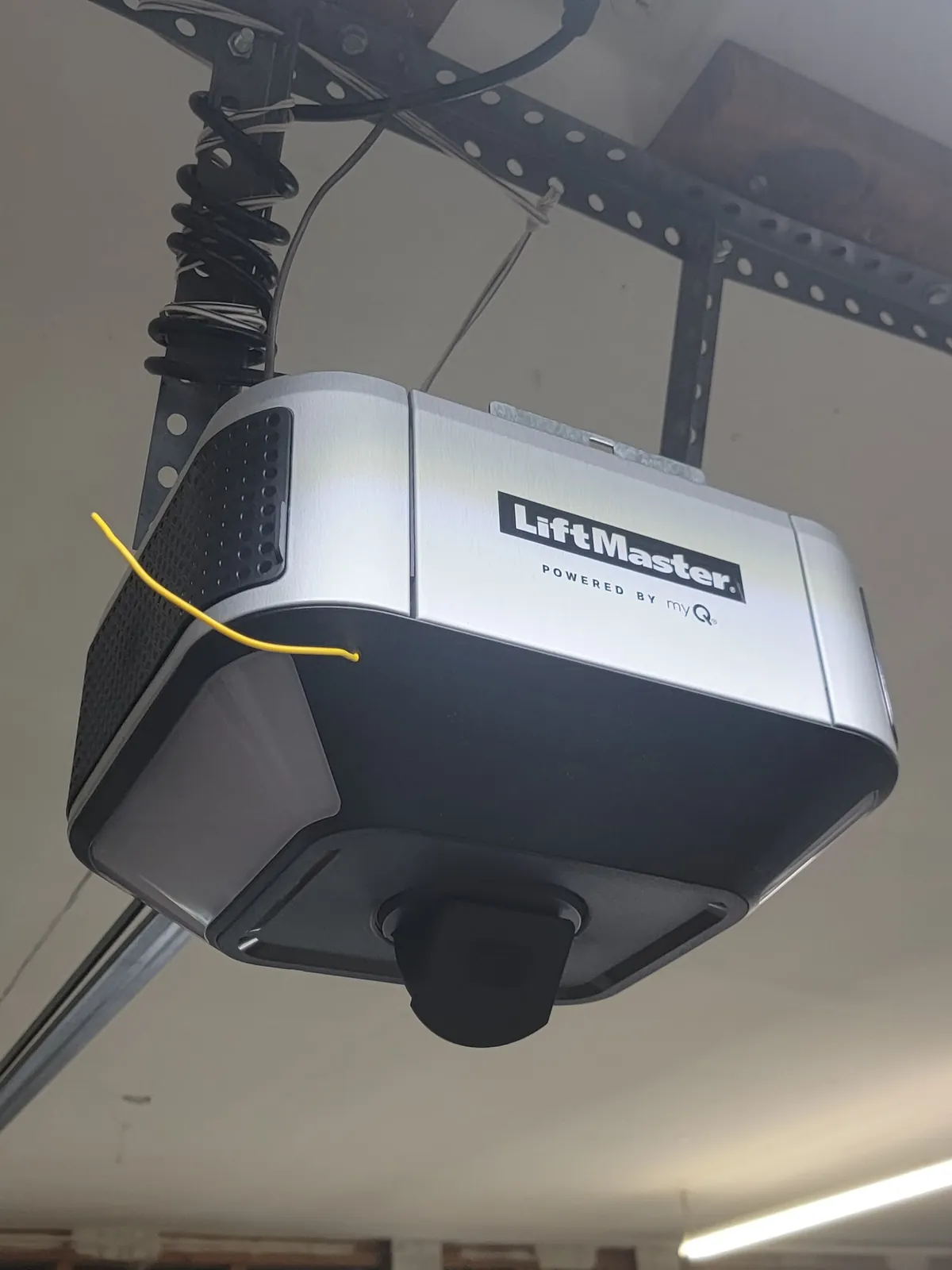
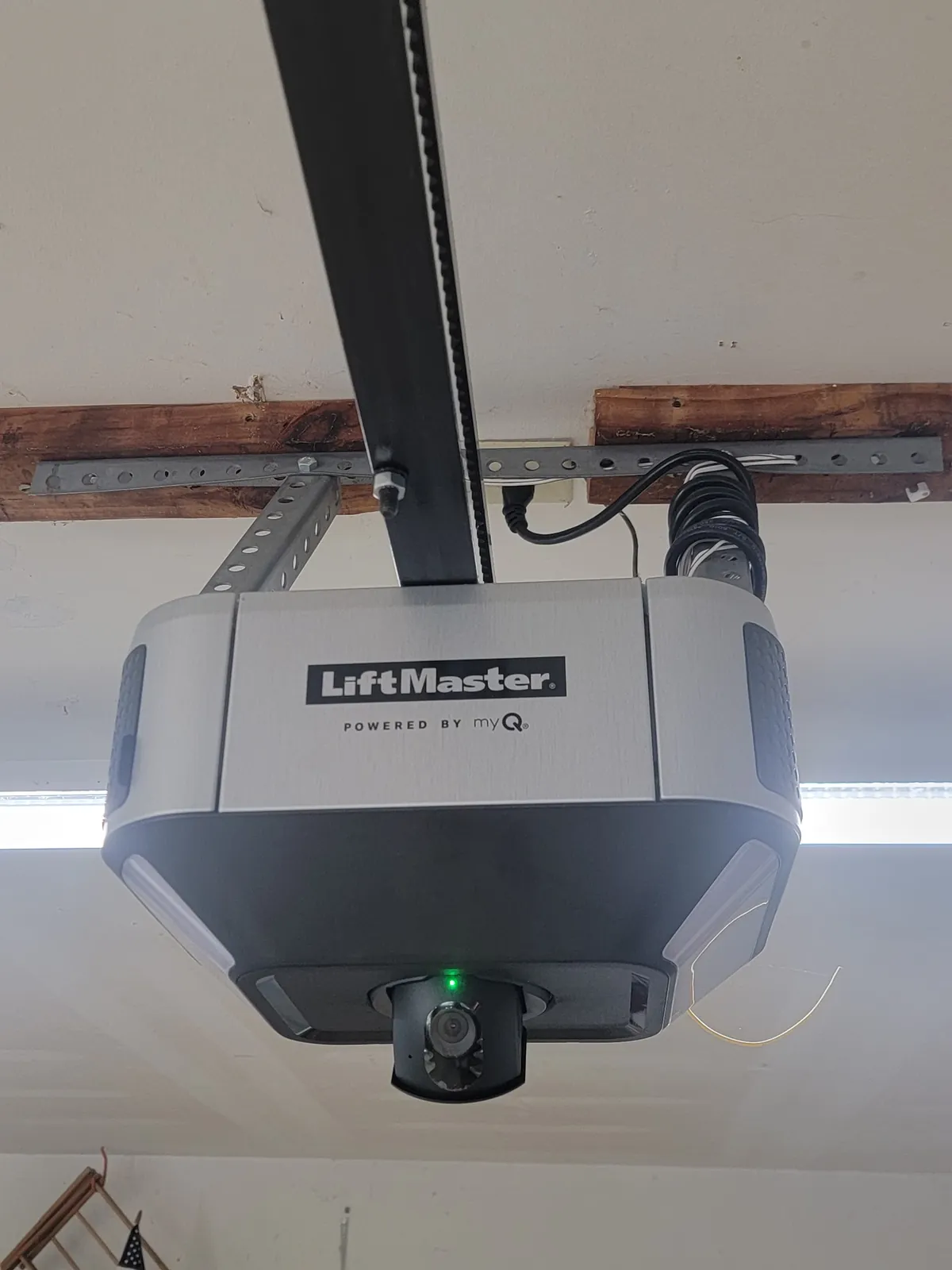
- Find the Learn button on the motor unit hanging from your garage ceiling. It is usually near the antenna wire or under the light cover and is often a colored square.
- Press and release the Learn button. A light on the motor unit comes on or blinks, and you generally have about 30 seconds.
- Walk to the keypad, enter a new four-digit PIN, and press the Enter button.
- Watch for the opener lights to flash or a click from the motor. That confirms the pairing.
- Test the new PIN a few times with the door open and closed.
Use a ladder only if you can do it safely, and keep clear of the door while you test. If your opener model is different, the owner’s manual or the label on the motor unit will show the correct button and timing.
One warning: on many openers, holding the Learn button for several seconds erases every remote and keypad the opener knows about. That is a useful reset when you have lost a remote and want to start clean, but it also means you will need to reprogram everything afterward. Only do it on purpose.
Step 4: Look at the Keypad Itself
Outdoor keypads take a beating. Take the keypad off its mounting plate and look for water in the housing, rust on the circuit board, or cracked plastic. Sun-baked keypads can develop faded buttons that stop registering presses, and moisture is the most common reason a keypad that worked for years suddenly fails. Press each button firmly, one at a time, and notice whether any of them feel mushy or fail to beep. If one or two buttons are dead, the keypad is at the end of its life and a new one is the fix. Replacement keypads are a normal, inexpensive part, but they do need to be compatible with your opener’s brand and signal type.
Distance and mounting also matter. A keypad mounted far from the motor unit, behind a metal door frame, or beside heavy masonry can struggle to send a clean signal. If the keypad only fails from certain spots, try holding it close to the opener while you program it.
When the Real Problem Is the Opener
If you have worked through all four steps and the keypad still does nothing, ask one more question: do your remotes and car buttons still work? If yes, the opener is receiving signals, so the keypad is the issue. If none of the wireless controls work, but the wall button inside the garage still moves the door, the opener’s receiver or logic board is the problem. A technician can confirm that quickly, and replacing a failed board is often cheaper than replacing the whole opener.
Here are signs that point to the opener rather than the keypad:
- Remotes, car buttons, and the keypad all stopped working together.
- The opener has become “temperamental,” working on some days and not others, especially in cold weather.
- The motor unit lights blink a code or stay on without any response.
- The door hesitates, reverses, or stops partway, which can also point to sensors or a balance problem. See our post on what to check when your garage door will not open or close.
For opener-side faults such as brand-specific blinking codes and power resets, our LiftMaster troubleshooting guide walks through the common ones. And if your opener is old, lacks safety sensors, or uses a fixed-code remote, read whether to repair or replace your opener before you spend money on repairs.
“We went with the Amarr metal door and LiftMaster opener with camera, keypad, and the myQ app for control via iPhone.”
Marcia W., 5-star Google review
Frequently asked questions
Why is my garage door keypad not working after I changed the battery?
A fresh battery rules out the most common cause, so look next at the connection between the keypad and the opener. A keypad can lose its pairing, get locked out after too many wrong codes, or have moisture or sun damage inside. If the remotes and the keypad both stopped working at the same time, the problem is usually the opener’s receiver or logic board, not the keypad.
How do I reset my garage door keypad?
On most openers you press the Learn button on the motor unit, then enter a new PIN on the keypad and press Enter within about 30 seconds. The exact steps and the location of the Learn button depend on the brand and model, so check the label on your opener. Some openers also offer a factory reset that erases every remote and keypad, so only use that one on purpose.
Why does my remote work but my keypad does not?
Because the opener is clearly receiving signals, the opener is probably fine. The keypad is the likely culprit: weak battery, lost pairing, a water-damaged circuit board, or a keypad that is too far from the opener for a clean signal. Try reprogramming the keypad first. If that fails, the keypad itself may need replacing.
Can cold weather make a garage door keypad stop working?
Yes. Batteries lose strength in the cold, and a keypad that works fine at noon may fail at six in the morning. If your keypad acts up on freezing mornings, a new battery of the type printed inside the keypad is the first fix to try.
When should I call a garage door company about a keypad?
Call if a new battery and a reprogramming do not help, if the remotes stopped working along with the keypad, if the opener light blinks a pattern you do not recognize, or if the door itself hesitates or reverses. Those point to the opener, not the keypad.
Need Help With a Garage Door Keypad in Charlotte?
Rise Up Garage Doors is LiftMaster Certified and has been fixing garage door openers across Charlotte, Mint Hill, Matthews, and Concord since 2016. We will tell you plainly whether you need a battery, a reprogramming, a new keypad, or an opener repair, and we will not sell you more than the problem calls for. Call (980) 240-2447 or request a free estimate online.